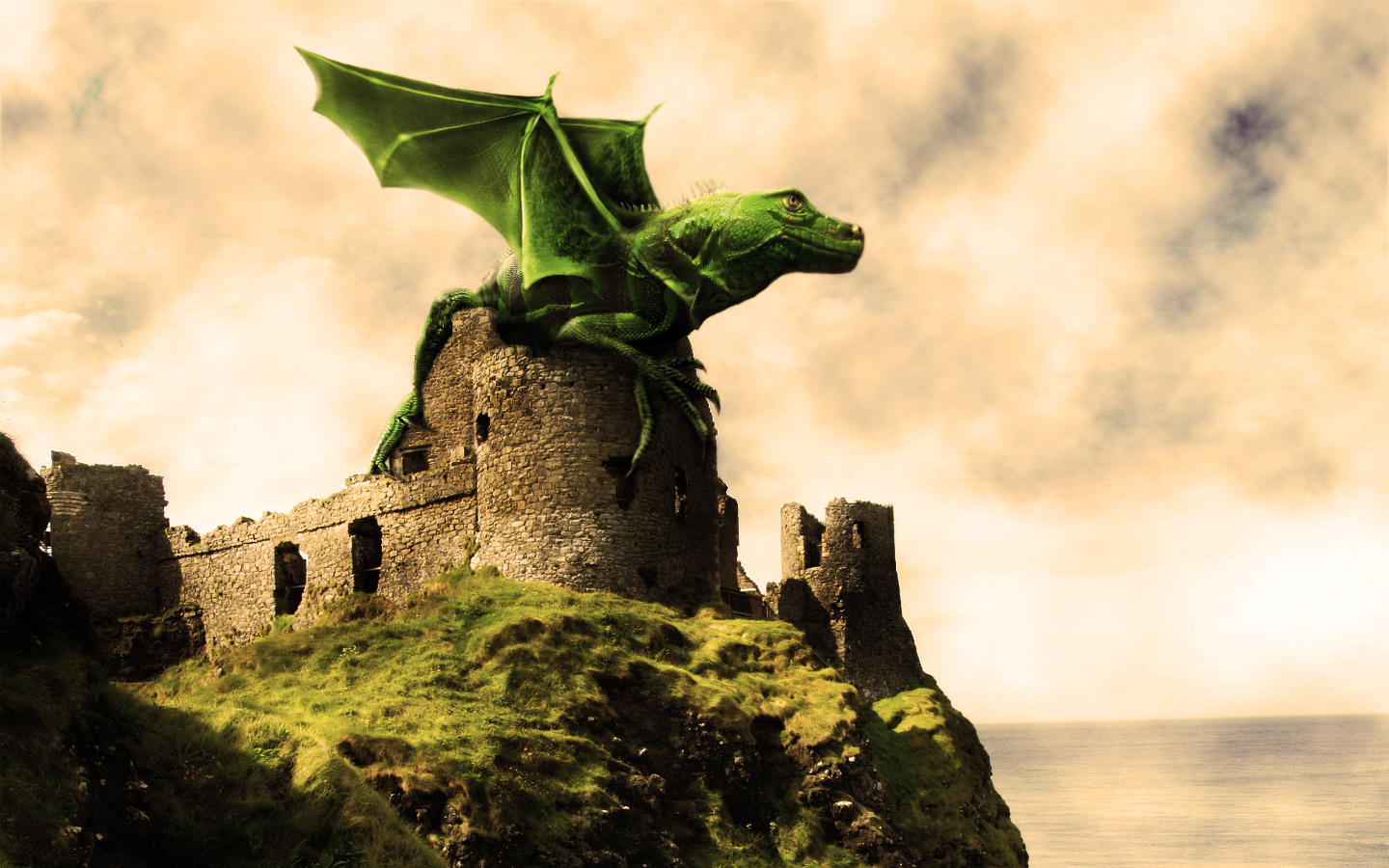
We’ll be creating a fantasy illustration in this tutorial, I’ll show you how to merge two images into one using layer Masks and reshape a picture using the Liquify Filter. We’ll take an image of a baby iguana and another of a bat, then combine the two to create a fantasy dragon. Let’s get started!
Final Image Preview
First, take a look at the image we’ll be creating. Want access to full PSD files and downloadable copies of every tutorial, including this one? You can view the final image preview below or view a larger version here.