Pages

Showing posts with label free text effect. Show all posts

Monday, 15 August 2011

Futuristic Text Effect in Photoshop

In this tutorial, we are going to create a glowing glossy futuristic looking text effect. Many layer styles will be applied to achieve this text effect, along with a nice brush trick to create the feathery fluffy stroke.
The Final Result:
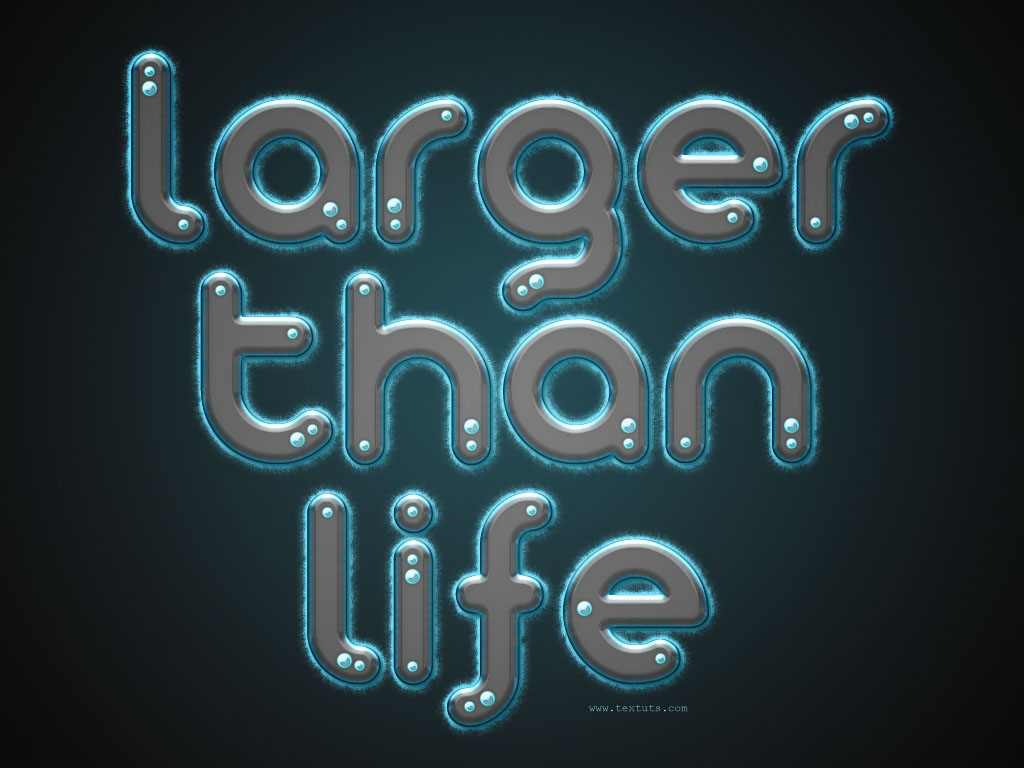
Futuristic
Notes:

Saturday, 28 May 2011

In Photoshop Create a Spectacular Grass Text Effect


Step 1

This tutorial is made up of three parts—the background, the text itself, and some final extra effects. So first of all we’re going to make a background. To do this we create a new document in Photoshop. I made mine 1920 x 1200 because I want this image to sit on my laptop background.
We start by drawing a Radial Gradient with the Gradient Tool (G) going from a light yellow-green (#adbf41) to a mid-range green (#328a26). I wonder if I’ve ever written a tutorial that doesn’t start with a radial gradient. 

Text