In this tutorial, we're going to create some really sharp-looking glow effects using a combination of layer styles, the Pen Tool and Color Blending. The end effect is quite stunning and hopefully you'll pick up some tips you didn't know before.
Step 1:
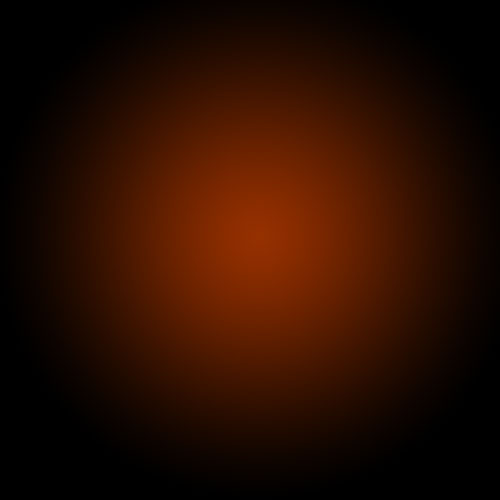
As with pretty much every tutorial I've ever written, we begin with a radial gradient. This one is pretty harsh and goes from a reddish brown color to black. Here are the exact color codes:
Foreground color - #922f00
Background color - #000000
In this Photoshop Effects tutorial, we’re going learn how to add reflections, or at least, different
reflections, to sunglasses. This is a popular Photoshop effect and
opens up a world of creative and artistic possibilities depending on who
is wearing the sunglasses and who or what you have them looking at.
In a previous Photoshop text effects tutorial, we looked at how to place a single image
inside text. This time, we're going to take things further and learn how to place multiple images in text. This is a popular effect that's often used in advertising and promotional
material but is also lots of fun just to play around with on your own. We're going to take a
word and place a different image inside each individual letter. It's very easy to do, and a lot
of it is just simple repetition.
Have you ever wanted to use your mind to move an object? Use the Force to fling things out of your way? Unfortunately, we all know those types of abilities are impossible but using the power of Photoshop anything can be accomplished. In today’s tutorial we will demonstrate how to create a powerful mental wave effect using Photoshop. Let’s get started!




 Step 1: Open a