Pages

Showing posts with label free photoshop tutorial. Show all posts

Thursday, 4 December 2014

Advance Glow Effect

In this tutorial, we're going to create some really sharp-looking glow effects using a combination of layer styles, the Pen Tool and Color Blending. The end effect is quite stunning and hopefully you'll pick up some tips you didn't know before.
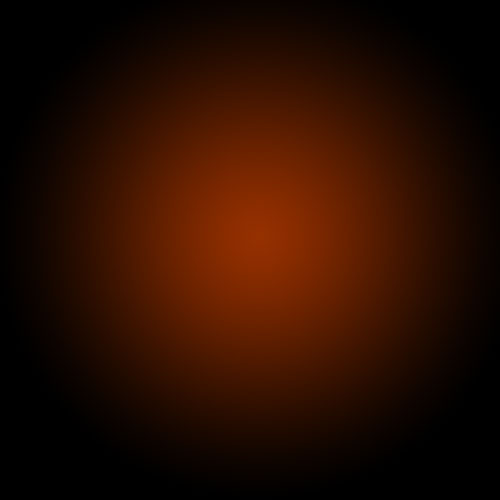
As with pretty much every tutorial I've ever written, we begin with a radial gradient. This one is pretty harsh and goes from a reddish brown color to black. Here are the exact color codes:
Foreground color - #922f00
Background color - #000000


Saturday, 22 November 2014

How to create a Map Icon in photoshop

Final product image
What You'll Be Creating
You don't have to use 3D software just to create a simple three-dimensional icon. Photoshop can do that too using some simple tricks with gradient color, highlight, and shadow. Here, we are going to use these tricks to draw a map icon. Let's get started!

Saturday, 25 June 2011

Without Using Any Images Creating a Vortex Texture Effect


Photoshop contains a variety of combinations, for instance, using Difference Clouds for your texture effect. The tutorial below is another example for beginners trying to experiment the vortex texture effect without using any images. Please feel free to apply the difference filter or setting during the process and I am sure that you also can find unlimited possiblilities for texture effects.


Text