In
this Photoshop tutorial I’ll show you how to turn a portrait into a
zombie. You ‘ll learn how to use adjustment layers, combine stock images
and work with textures.
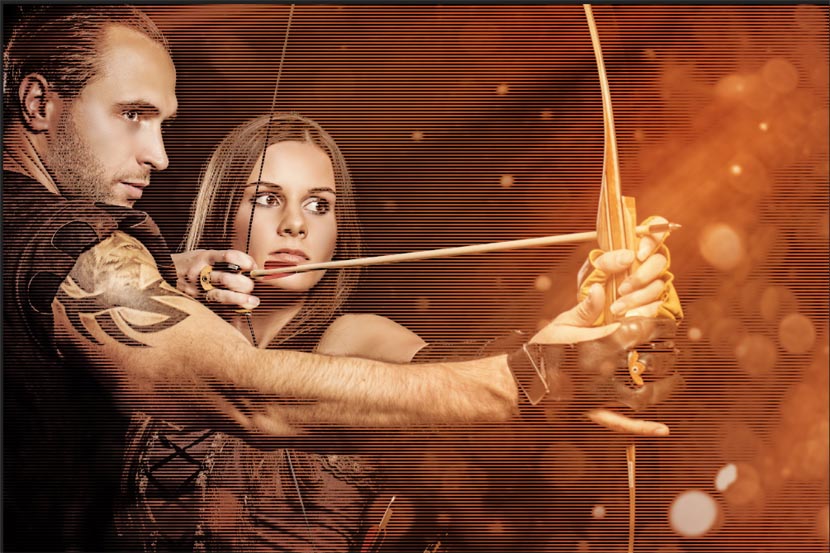
In this tutorial, we are going to create the classic TV scan line effect or interlacing effect. This gives a cool feel to the image. This is a quick and easy way to give a photograph and interesting hi tech look, or just to add some visual interest. This really comes from the classic/vintage style that you would see on old televisions. This comes from one of my original tutorials on Online Learn, but we give it a couple of twists at the end with some more advanced options.
In this tutorial we will create a realistic water reflection effect. You should be able to replicate this effect on other pictures using the techniques presented here.
This Photoshop tutorial uses some fairly advanced techniques but the detailed explanations at each step should make it easy for beginners to catch on.
Final Image
As always, this is the final image that we’ll be creating:
Create a professional Romantic Comedy film poster in photoshop you can learn how to work in photoshop and learn how to create a Professional Movie poster in Adobe photoshop .
For whatever reason it is always fun to create composite images that use star fields as a backdrop. Star fields have a unique ability to make a composition look mysterious and even magical. In today’s tutorial we will demonstrate how to create a 4-piece stardust composition using textures and masks. Let’s get started!